
Choose your camera.
Install Zurcit on a spare iPhone or iPad. Sign in and give the camera a name.
A NEW JOB FOR YOUR OLD PHONE
Turn an iPhone or iPad into a camera.
Watch from another device. Start free.
iPhone & iPad · 2 cameras on Free · No subscription needed
 Keep it open, powered & online.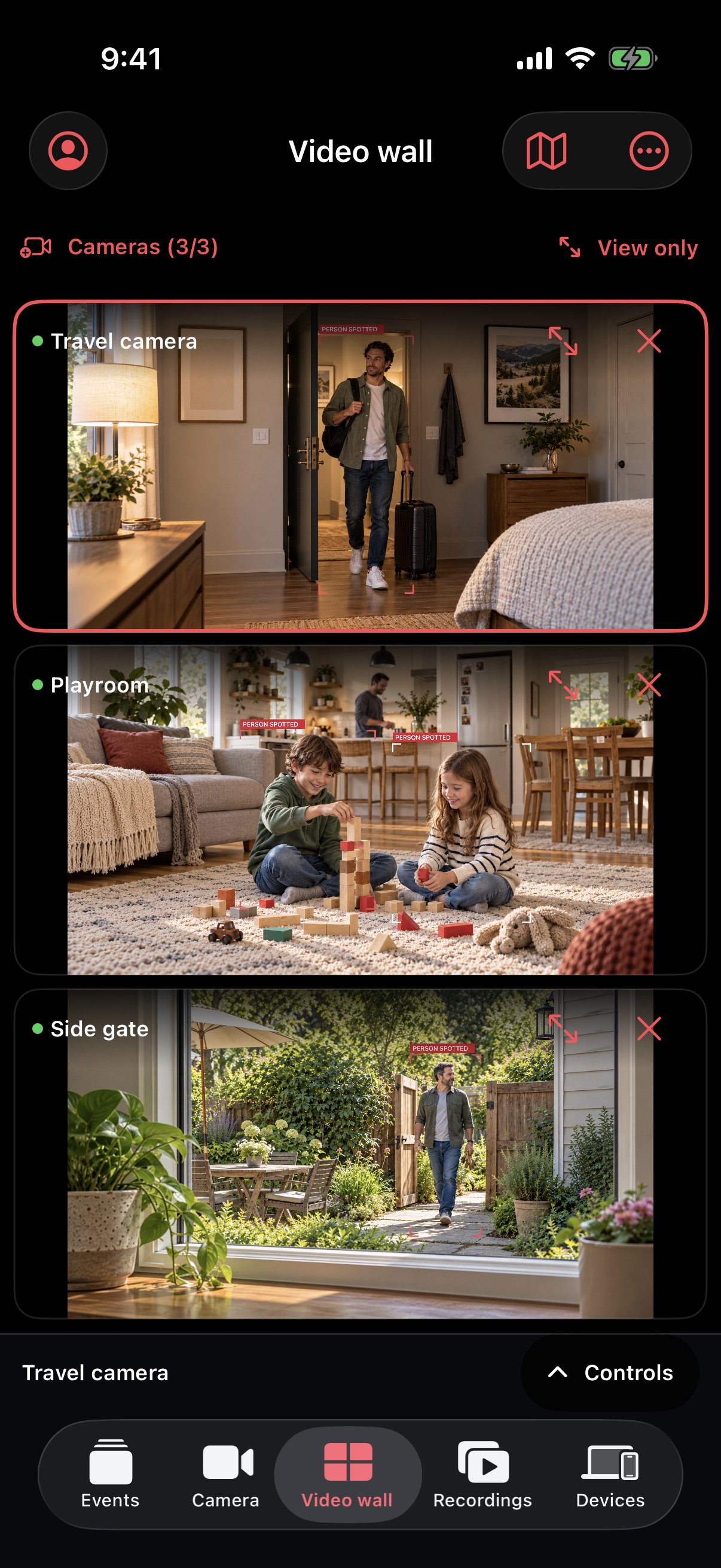
TWO DEVICES. ONE SIMPLE IDEA.
You already have the camera. Zurcit brings the view to you.
Install Zurcit on a spare iPhone or iPad. Sign in and give the camera a name.
Open the Camera tab and position the device. Keep it plugged in, unlocked and online.
Sign in on another device and open Video wall. Your camera is ready to check.
THE VIEW IS JUST THE START
See what’s happening. Share a view. Know when to check in.
ALL PLANS
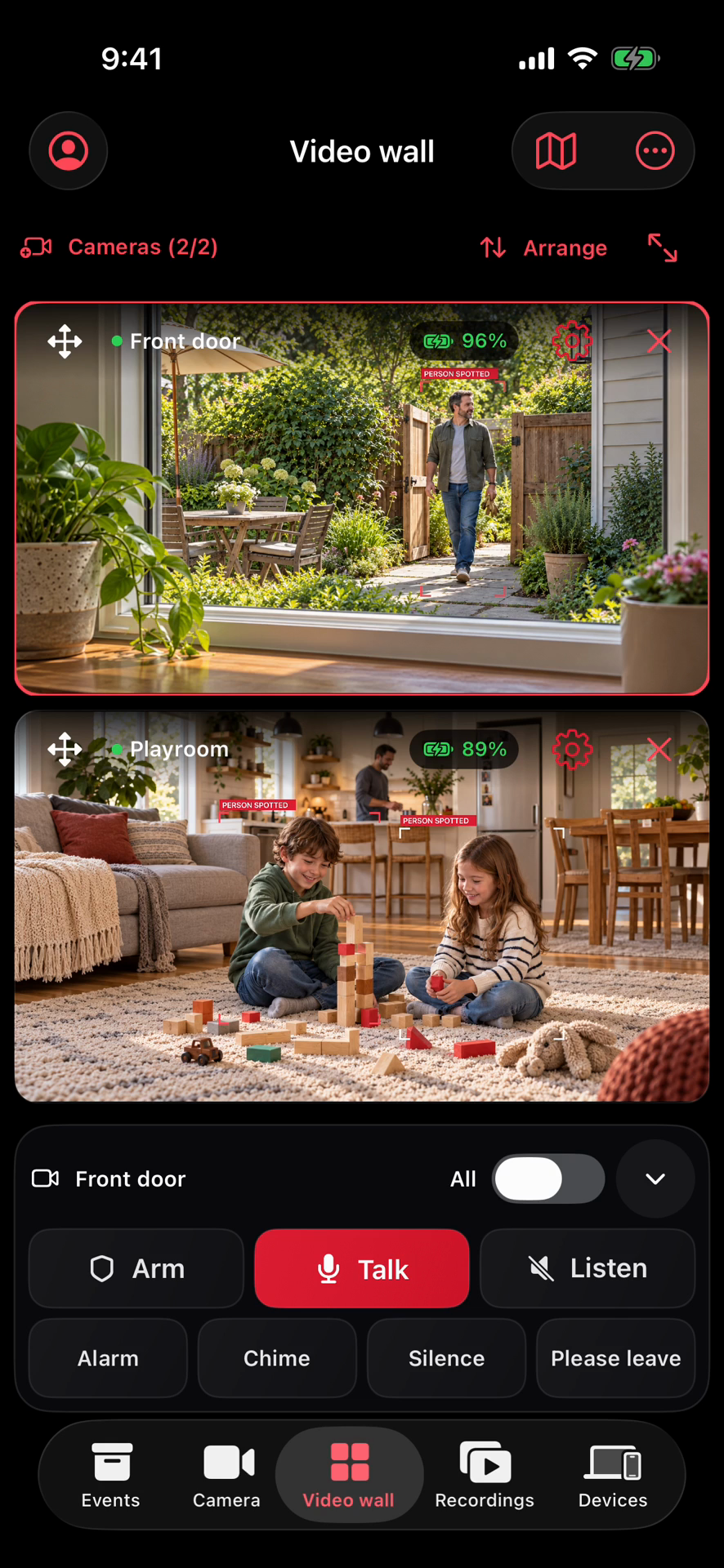
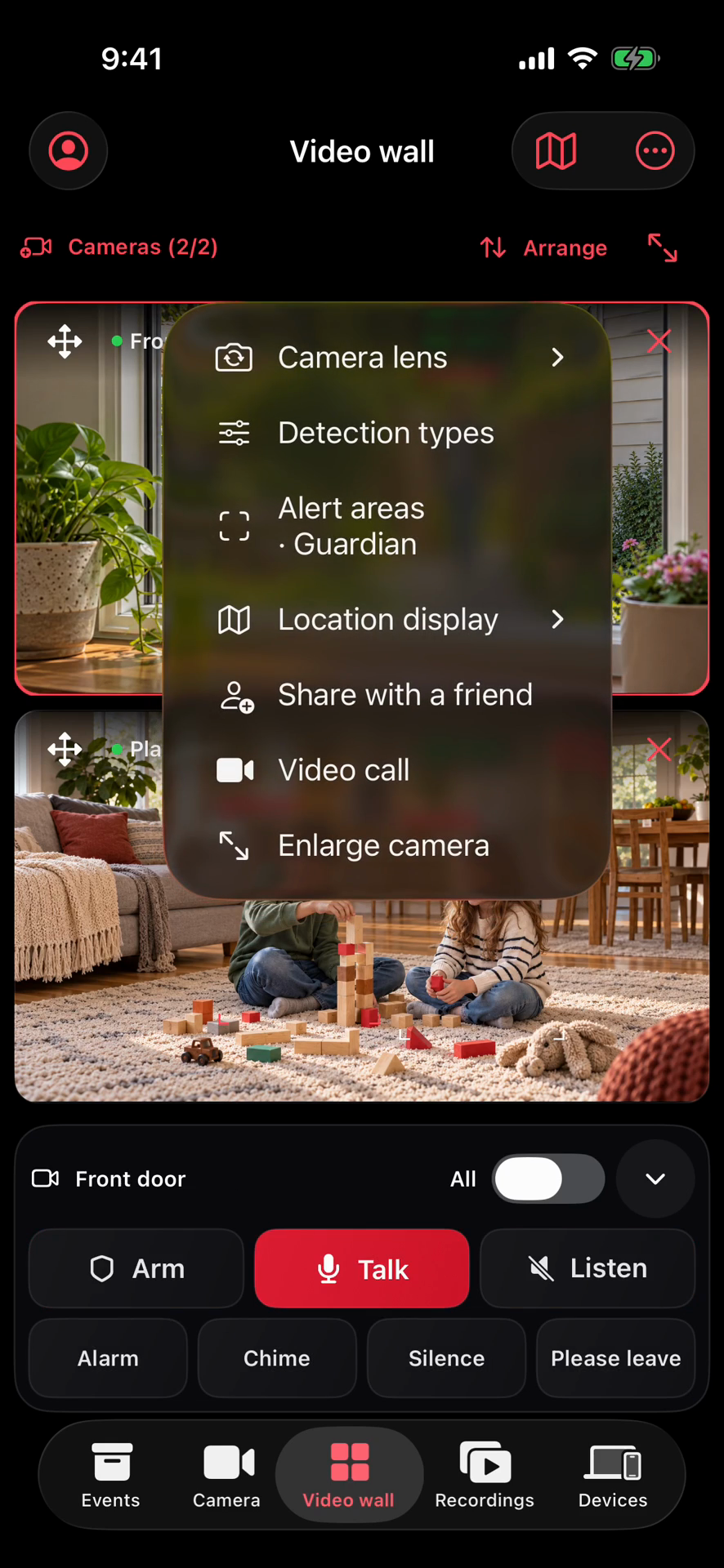
Choose your cameras. Move views around. Set detections and Guardian alert areas. Switch Front, Rear or Both on supported devices.

One phone watches. You check in.
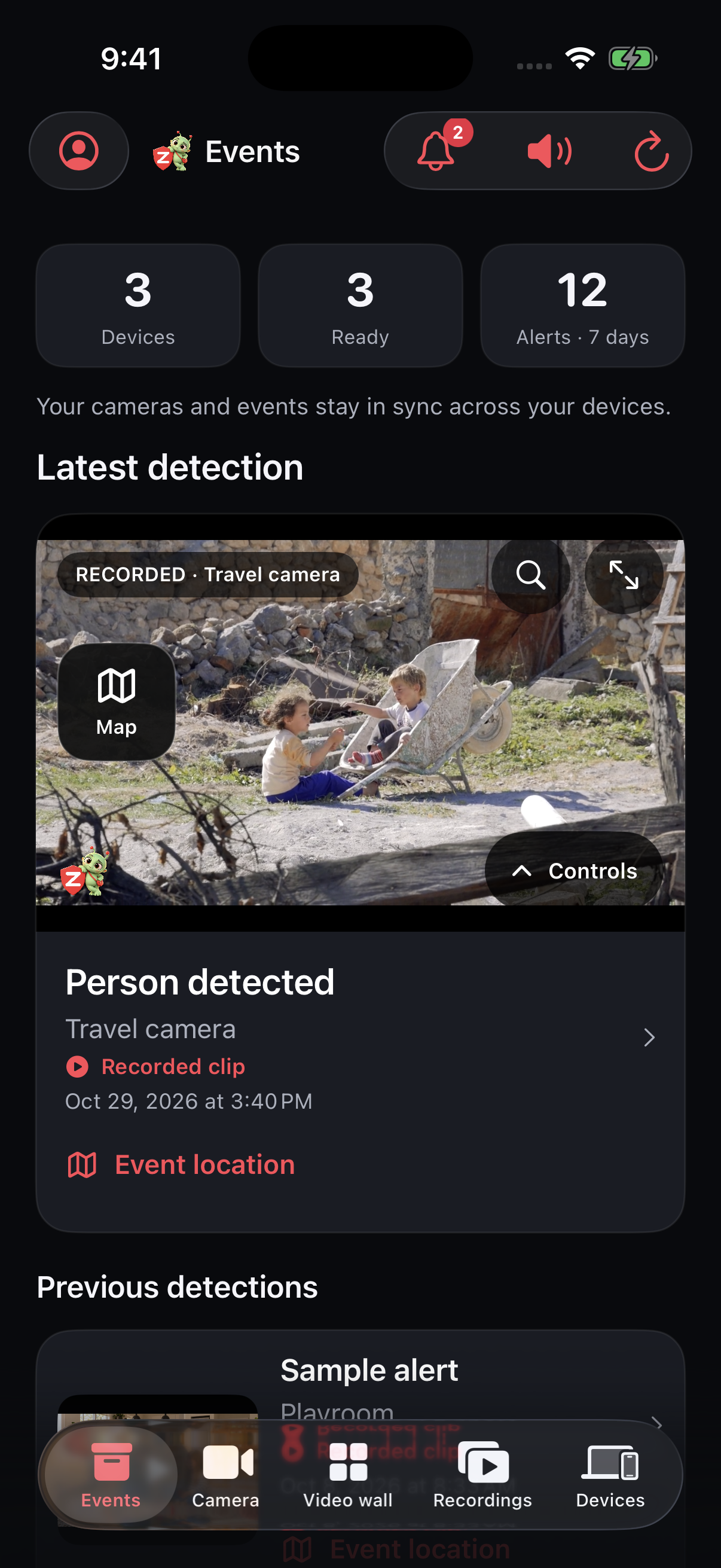
SCOUT & GUARDIAN
People detections and saved moments. Open an event to see more, or set Guardian alert areas for the places that matter.
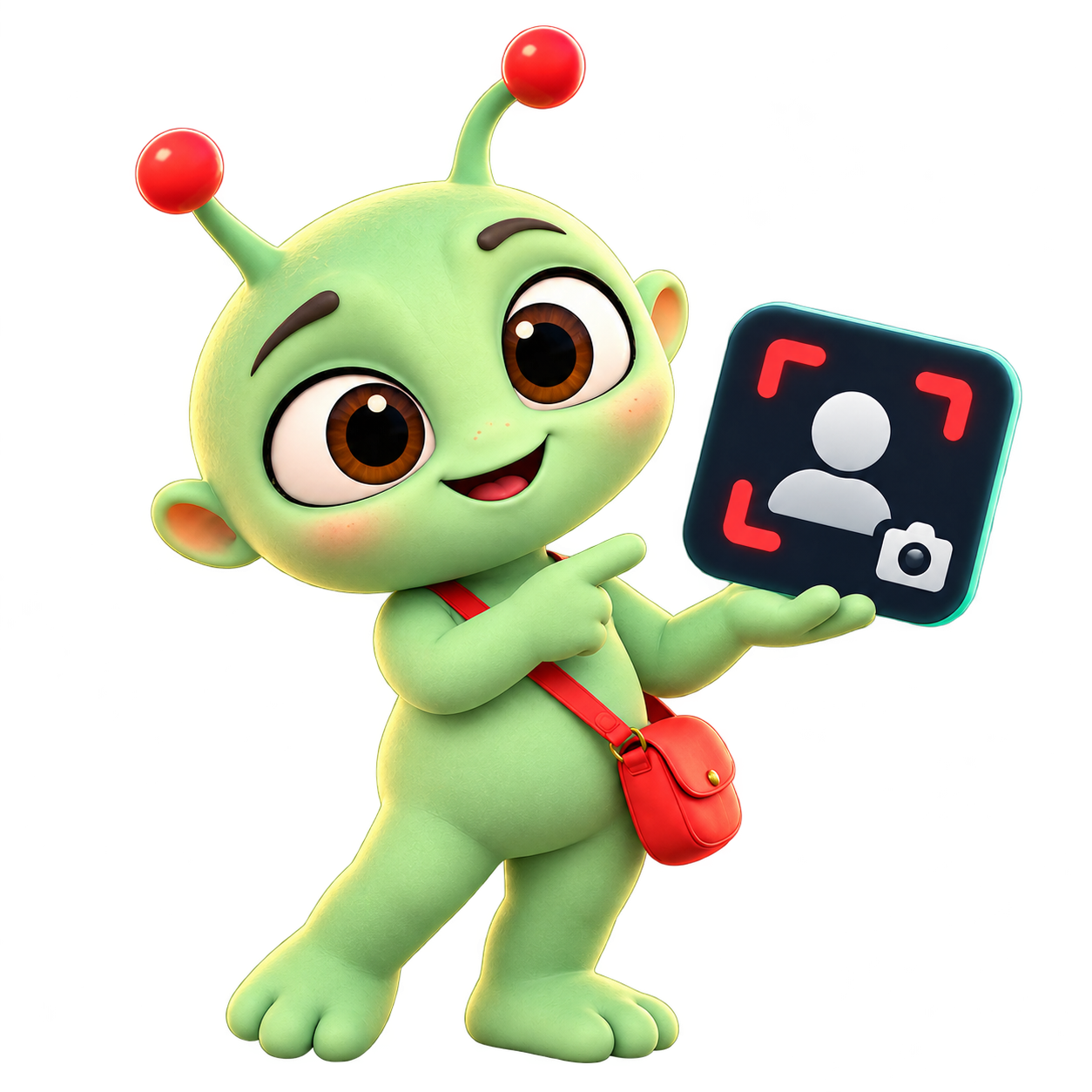
Choose where activity matters.
ALL PLANS · OWNER PERMISSION
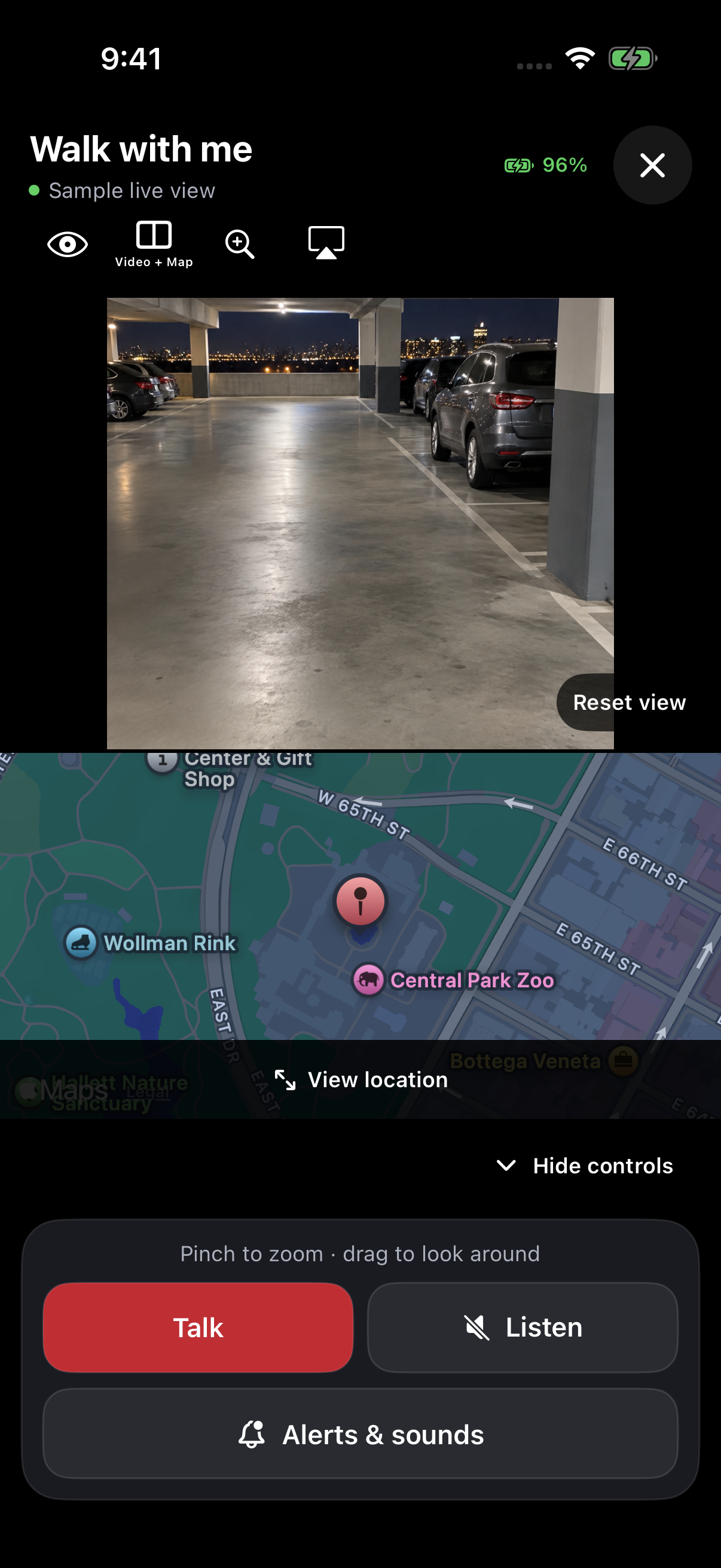
Send your private link. Your trusted person opens it in Zurcit to see the live view, with Talk and optional GPS when allowed. No account or subscription needed for the helper.
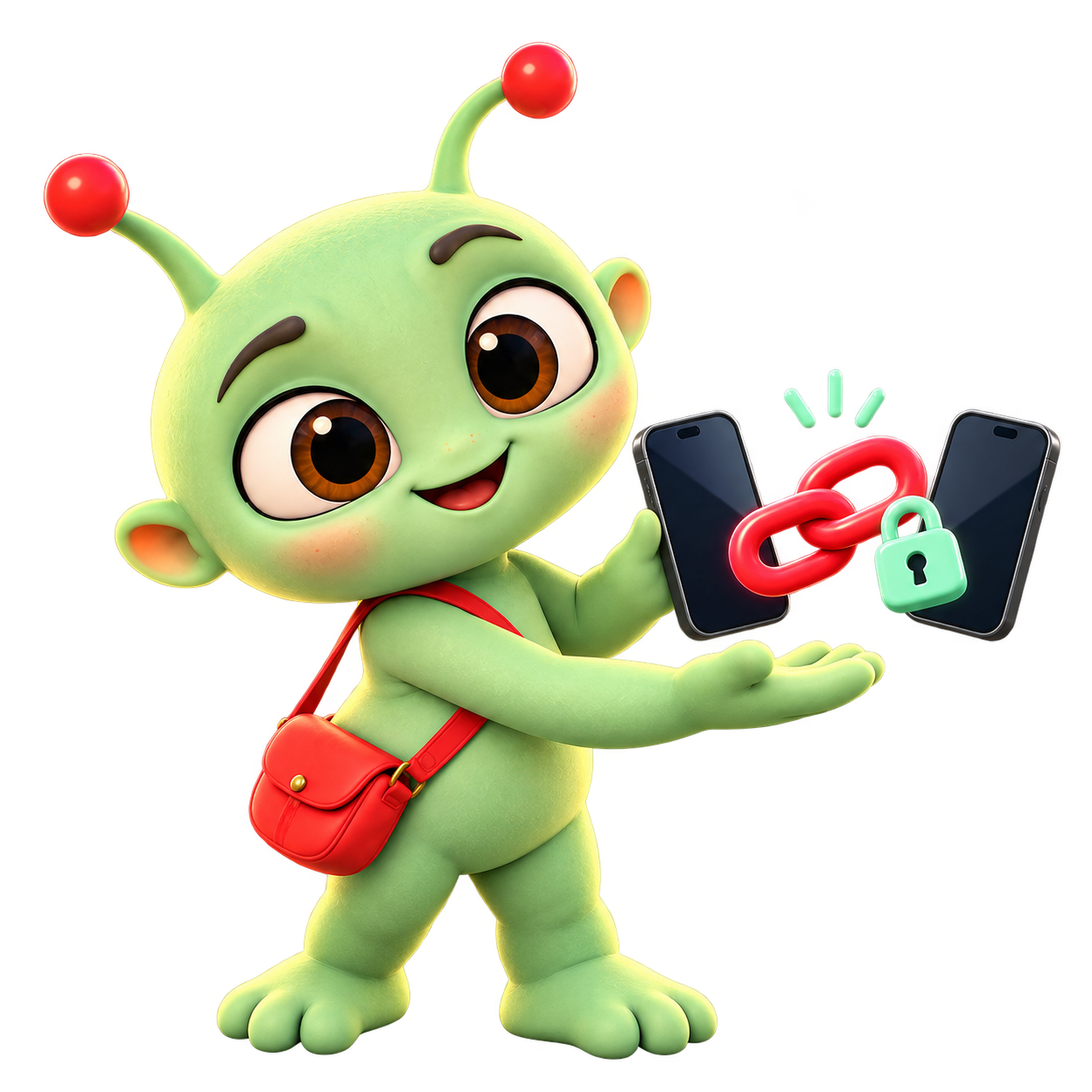
Your emotional support human.
SCOUT & GUARDIAN · SETUP REQUIRED
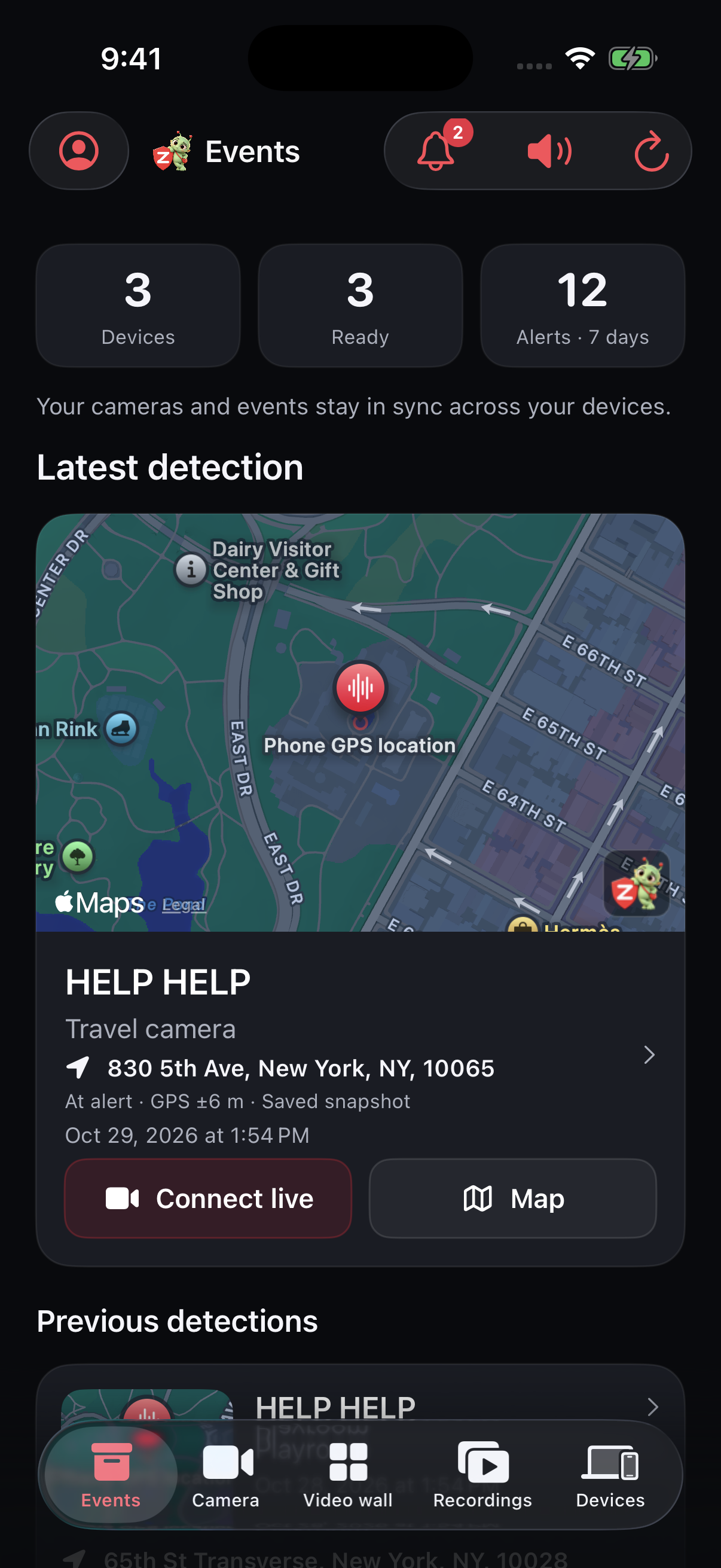
Save a phrase such as “help help”. If recognized, enabled notifications can reach your account devices and opted-in helpers.
Set a phrase. Test it together.
Illustrated mascot · actual app screens with sample content. Camera devices need Zurcit open, powered, unlocked and online. Voice alerts need speech and microphone permissions; recognition can miss or falsely match a phrase. Not fall detection or an emergency service.
ROOM TO DO MORE
Choose the tools that fit your setup. Features vary by plan.
Compare all features ↗Scout adds people and motion events. Guardian adds available pet and vehicle detections, plus up to four areas to watch or ignore while armed. Detection does not identify people. Use visible light and check your setup.
Scout keeps a one-hour silent recording loop on the camera. Guardian adds storage-limited recordings and private backups for playback across your account devices. Completed backups can play while the source is offline.
Hear permitted live room audio, speak through a selected camera or request an alarm. Account controls require a paid plan. Private helpers use the permissions allowed by the owner. The source must stay open and online.
Paid plans can recognize configured phrases with microphone and speech permission. Recognition can miss or falsely match speech. Optional GPS updates while the creating phone has Zurcit open and online; it is not background tracking. Zurcit does not contact emergency services.
Start, stop, Arm or Disarm an available camera. Guardian adds weekly arming schedules and enabled low-battery email warnings. Hardware determines front/rear camera options. Remote commands cannot launch a locked or closed app.
A FEW THINGS TO KNOW
Yes. Free includes two cameras, live video up to 360p, on-camera motion indication and two private one-hour shares per UTC month. Saved events, recordings and cloud alerts require a paid plan.
Yes. Both devices need an internet connection. The source camera must stay powered, unlocked and in Zurcit. Device performance, temperature and network quality affect the connection.
Send a private invitation to someone you trust. They need Zurcit but no account or subscription. Choose the cameras, expiry and Talk, alarm and optional location permissions. Revoke access anytime.
No extra camera hardware is needed. Use a compatible iPhone or iPad with a charger, a stable position and a clear, well-lit view. See the App Store for current compatibility.
A LITTLE ALIEN. A NEW PERSPECTIVE.
AI-generated alien scenes and voices. Illustrative examples; setup, permissions and a working connection required. Features vary by plan.
GIVE YOUR SPARE PHONE A NEW PURPOSE
Available on the App Store for iPhone & iPad.