

Choose your phrase.
In our story, it’s Code Marshmallow. In your setup, save and test a supported phrase such as “help help”.
CODE MARSHMALLOW · VOICE ALERTS
Save a supported phrase and start listening. Voice alerts can run in the foreground or with optional Background listening; enabled alerts reach your chosen devices and helpers.
Scout & Guardian · microphone, speech and notification setup required

In our story, it’s Code Marshmallow. In your setup, save and test a supported phrase such as “help help”.
Enable account notifications. Invited helpers can opt in to Shared alerts while their invitation is active.
Open the alert, see the available context, and connect to the camera when needed.
A PHRASE TO NOTICE
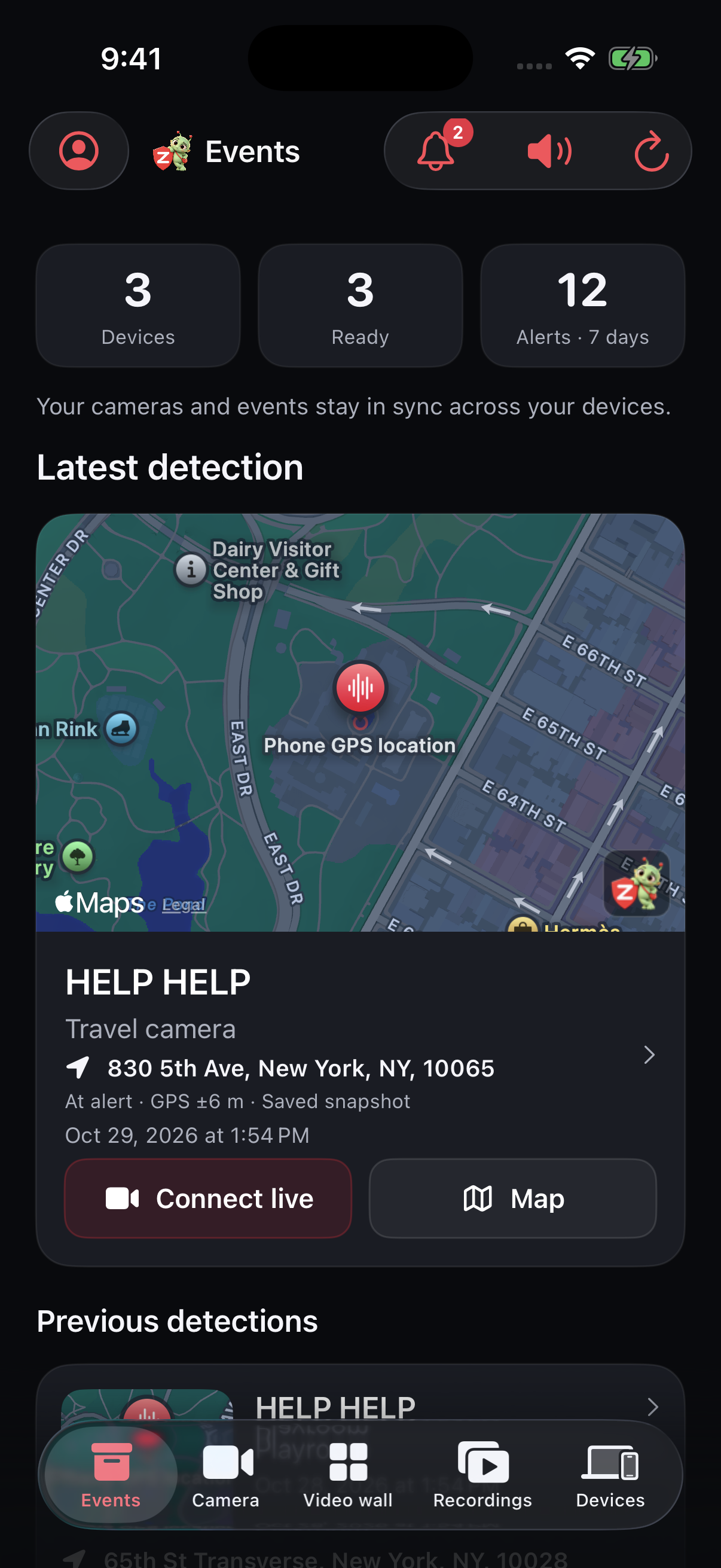
MORE CONTEXT WHEN AVAILABLE
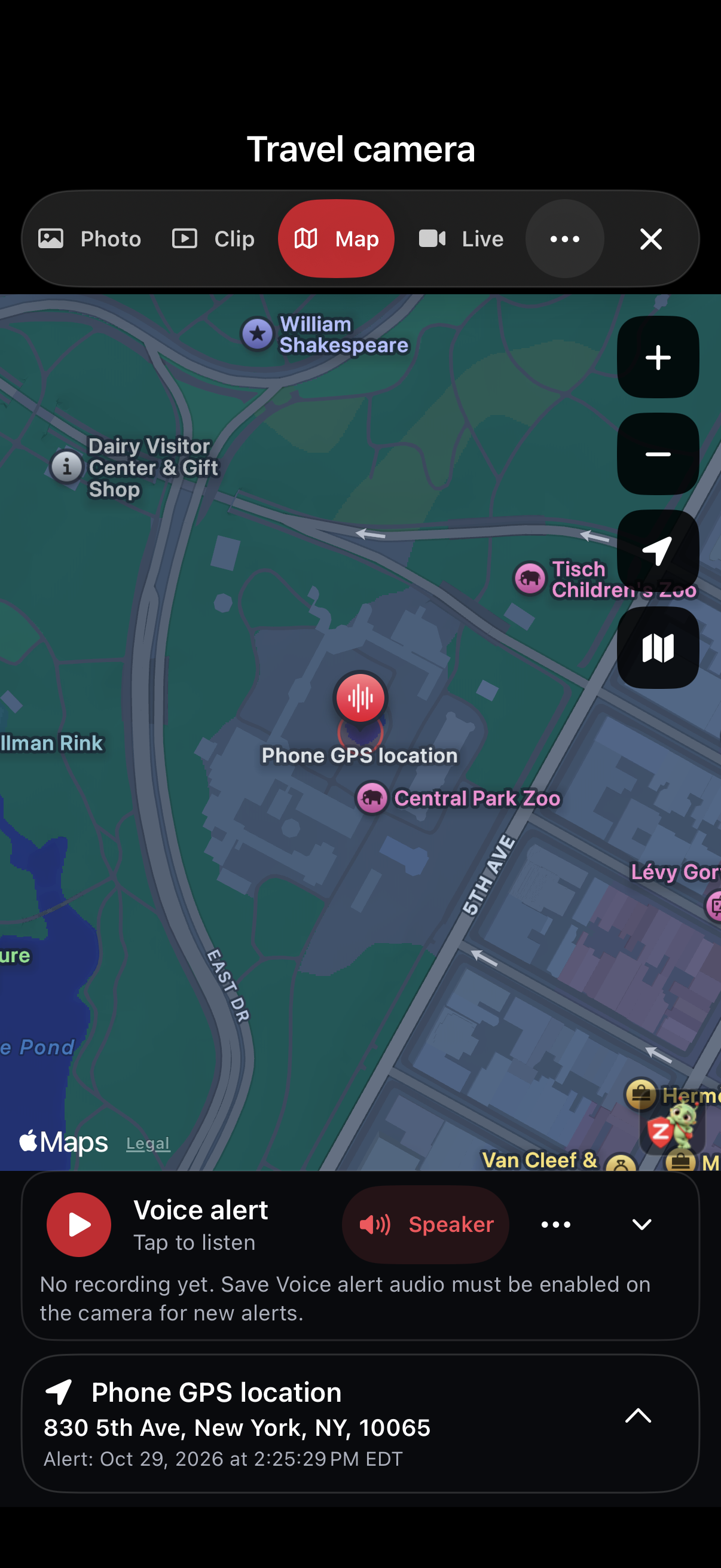
Recognition can miss or falsely match a phrase. Zurcit is not fall detection or an emergency service.
On the source device, save the phrase under Camera tools → Voice alerts and turn on Listen for saved phrases. Supported on-device speech processing compares recognized words with your saved phrases; it does not identify who spoke. A matching phrase creates an event and uses your enabled alert settings. Noise, a TV or another person can cause missed or false matches.
Signed-in account devices can receive enabled push notifications, and configured account email recipients can receive enabled emails. A helper needs an active invitation covering that camera and Shared alerts enabled. Optional helper emails also need owner permission and the helper’s verified email and chosen alert types.
No. You can send each helper a separate private invitation. They install Zurcit and open that link without creating an account or buying a plan. Your source account needs Scout or Guardian for Voice alerts.
No. Phrase recognition and saving audio are separate choices. Save Voice alert audio starts off. If you enable it, a match can save up to eight seconds of preceding audio with the event and include it in enabled emails. Tell people nearby first.
No. Voice alerts recognize a saved phrase. They do not detect falls or guarantee that a request for help will be recognized.
Yes. Voice listening is separate from the camera and Arm. Start it with Zurcit open and the required permissions. With optional Background listening enabled, it can continue while another app is visible or the screen is locked. Force-quitting, restarting or a system interruption can stop it. Live video still needs Zurcit in the foreground.
Scout and Guardian include Voice alerts. Free includes live viewing and limited private sharing, but not Voice alerts.
KEEP EXPLORING